
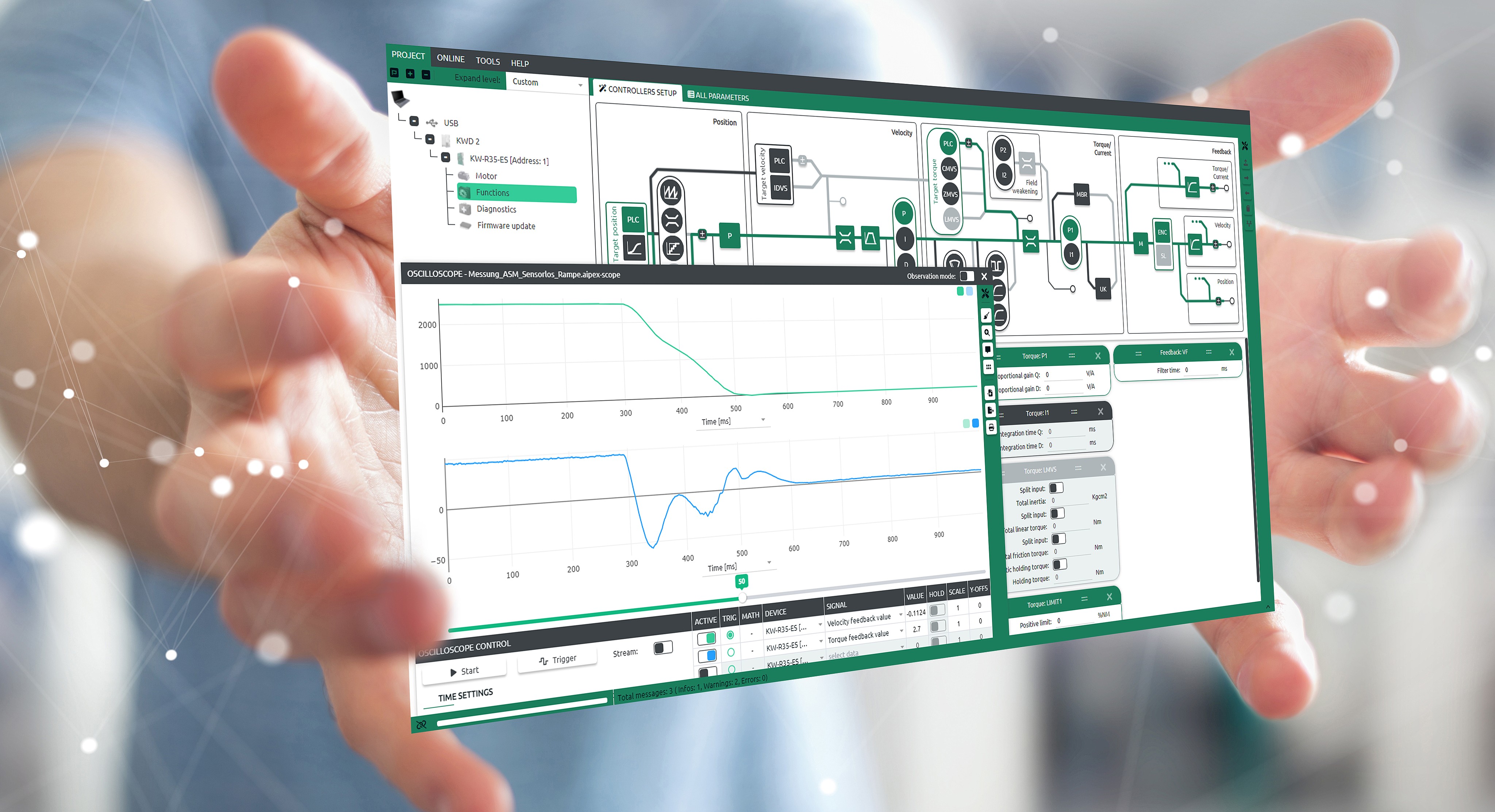
AIPEX 5 gives you a fully web-based, platform-independent engineering tool.
It enables efficient and intuitive configuration, parameterization, and diagnosis of AMKmotion products, enabling faster setup of production processes, reduced operating costs and increased efficiency on a lasting basis.
AIPEX 5 –
the optimal toolbox for:
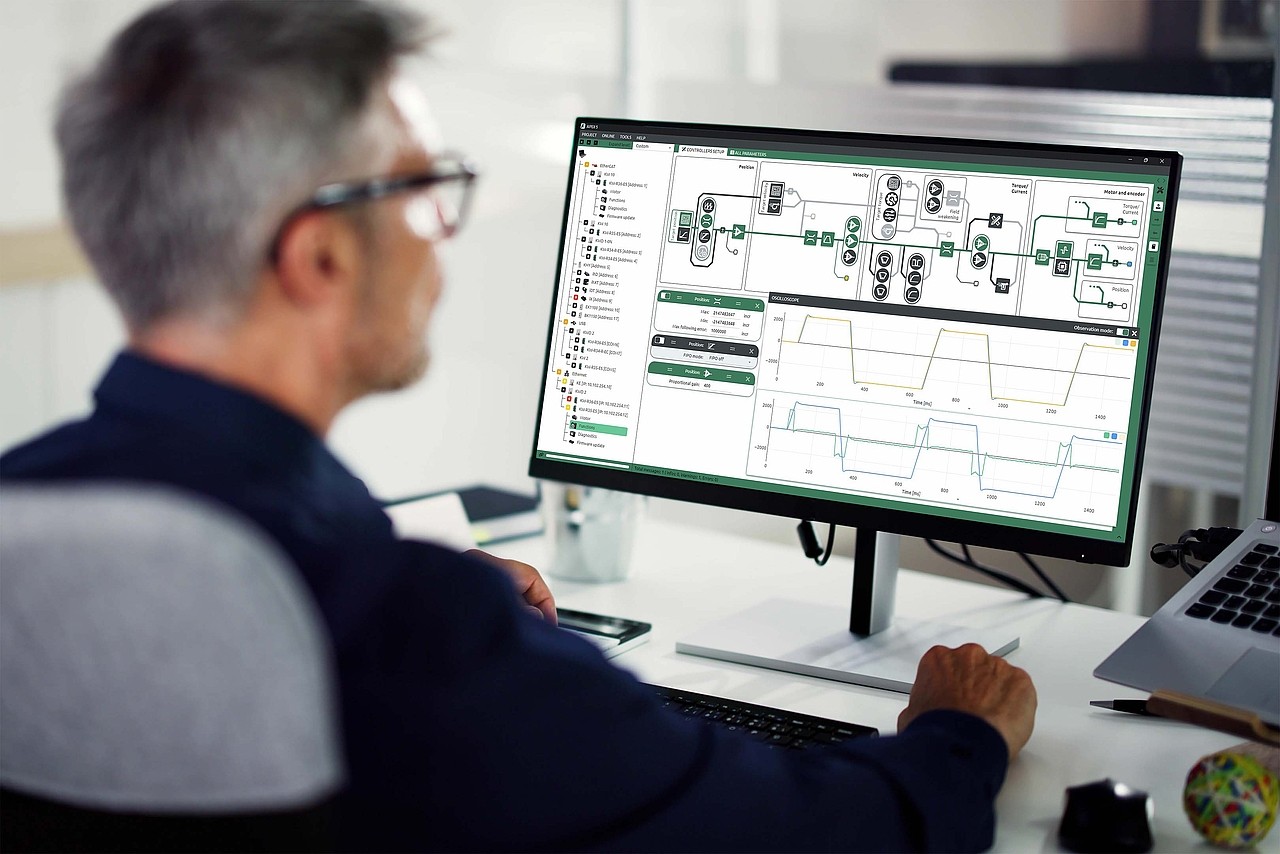
- Startup
Configure your system quickly and easily. Your machines and systems are ready for operation in no time.
- Parameterization
Adapt systems flexibly to your individual requirements. Intuitive functions simplify parameter settings, thereby increasing efficiency in day-to-day operation.
- Controller tuning
Get the most out of your system. Automatic fine-tuning ensures maximum performance, saves energy, and improves process quality.
- Diagnosis and support
Maintain full oversight at all times. Real-time diagnosis means you can detect possible causes of faults right away and respond directly – for greater reliability and reduced downtime.
- Fault correction
Benefit from rapid restoration of system availability for reliable operation.
Smart software –
for efficient commissioning and maintenance
The software was developed specifically for startup and maintenance of drive systems. It combines powerful functions in a modern user interface that accelerates workflows and improves operating efficiency:
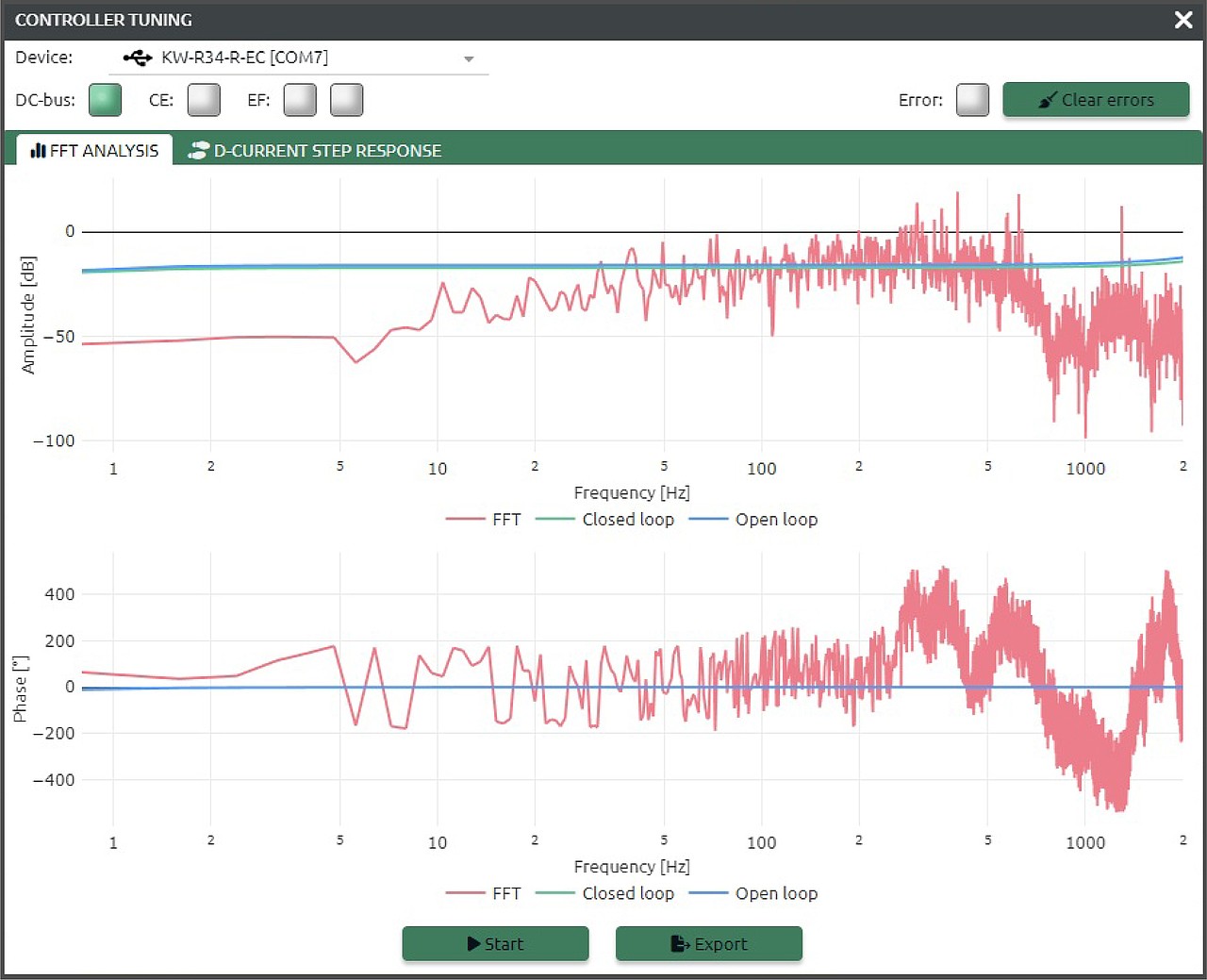
- Fast Fourier Transform (FFT)
supports analysis of control quality for targeted optimization of drive control.
- Automatic plant adaptation
automatically adjusts the controller to mechanical and electrical conditions.
- Motor identification & basic controller settings:
enable fast and reliable startup.
- Integrated oscilloscope
for real-time acquisition and visualization of numerous signals, including multiple axes simultaneously.
- Remote maintenance
with direct access for remote support and diagnosis.
- Communication interface
support for USB, EtherCAT, and EoE (Ethernet over EtherCAT).
Note:
Certain functions are available in the licensed version only.
AIPEX 5 – What’s new in Version 1.4
With version 1.4, AIPEX 5 offers the ability to edit projects offline. This allows users to work even more efficiently with AMKmotion drive technology.
Learn more – simply click on the right.
- User Interface
- Features
- Offline configurator
- Improvements
User Interface
- Support for device names up to 64 characters (firmware-dependent)
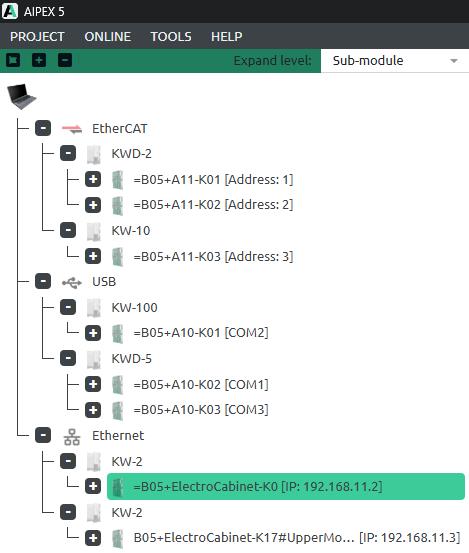
- Display of fieldbus status in the device tree
- Display of the communication address in the device tree
- Extended display of device information
- Optimized cockpit view for a large number of signals
Note: Certain functions are available in the licensed version only.
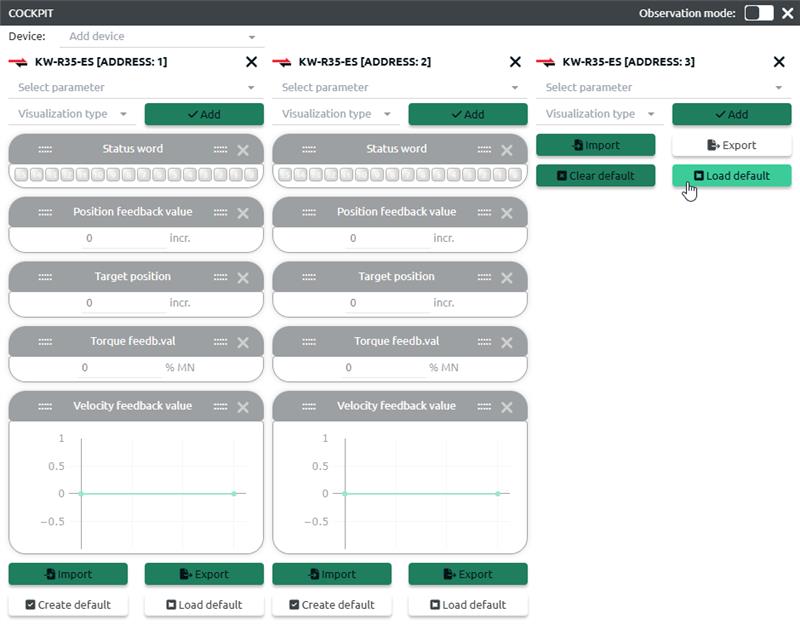
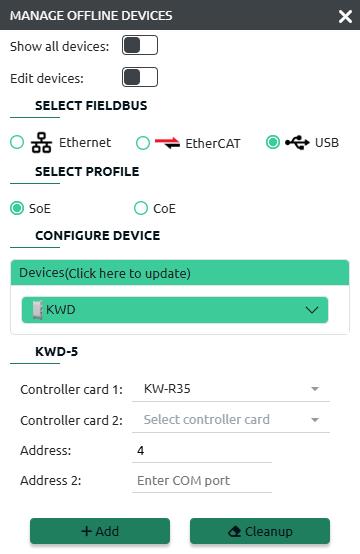
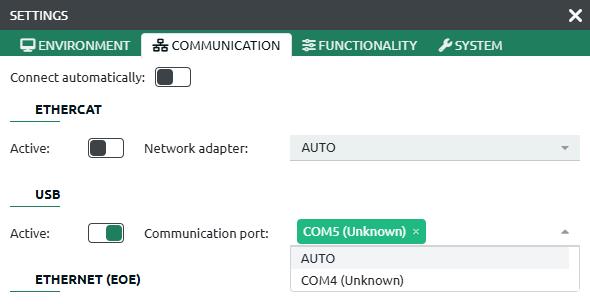
AIPEX 5 – What’s new in Version 1.3
Version 1.3 offers numerous extensions, optimizations, and new functions.
Find out more – simply click on the right.
- Parameters
- System
- Functions
- Oscilloscope
Parameters
- Filter for changed parameter values (online vs. offline) – quick overview of adjustments.
- Parameter groups across devices and projects – simplified reuse.
- Parameter comparison between devices – easier analysis and optimization.
- Extended parameter search options – faster access.
Note: Certain functions are available in the licensed version only.
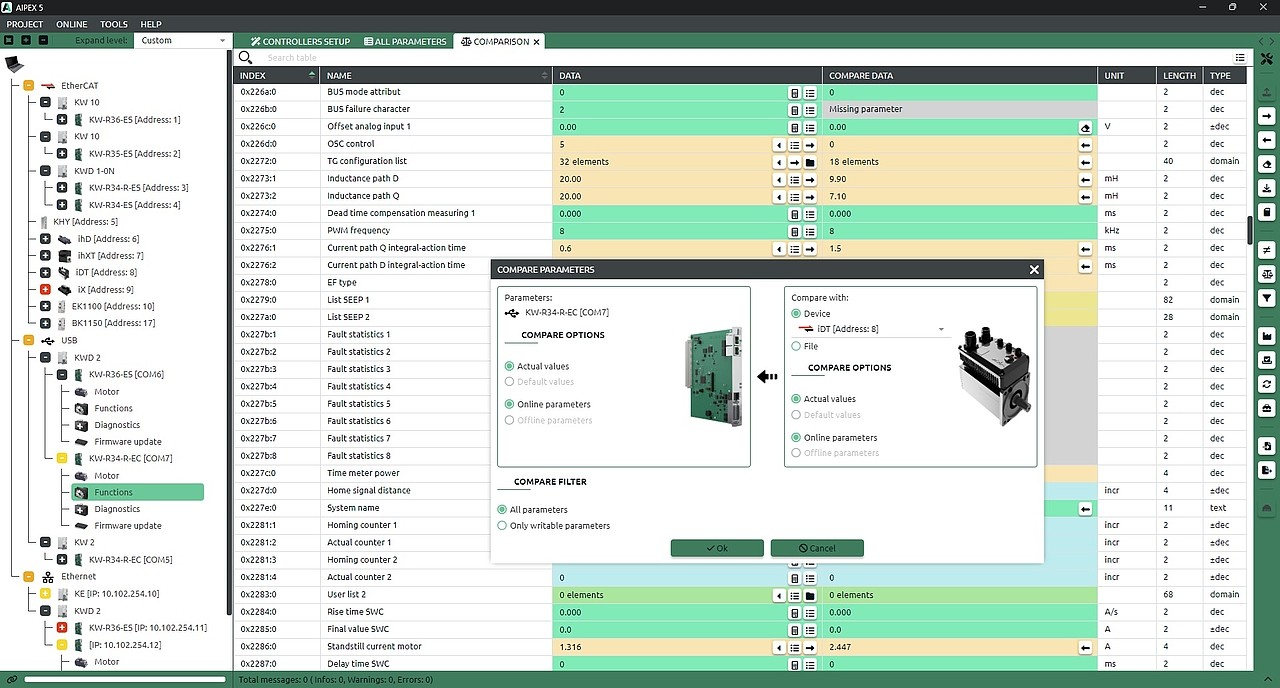
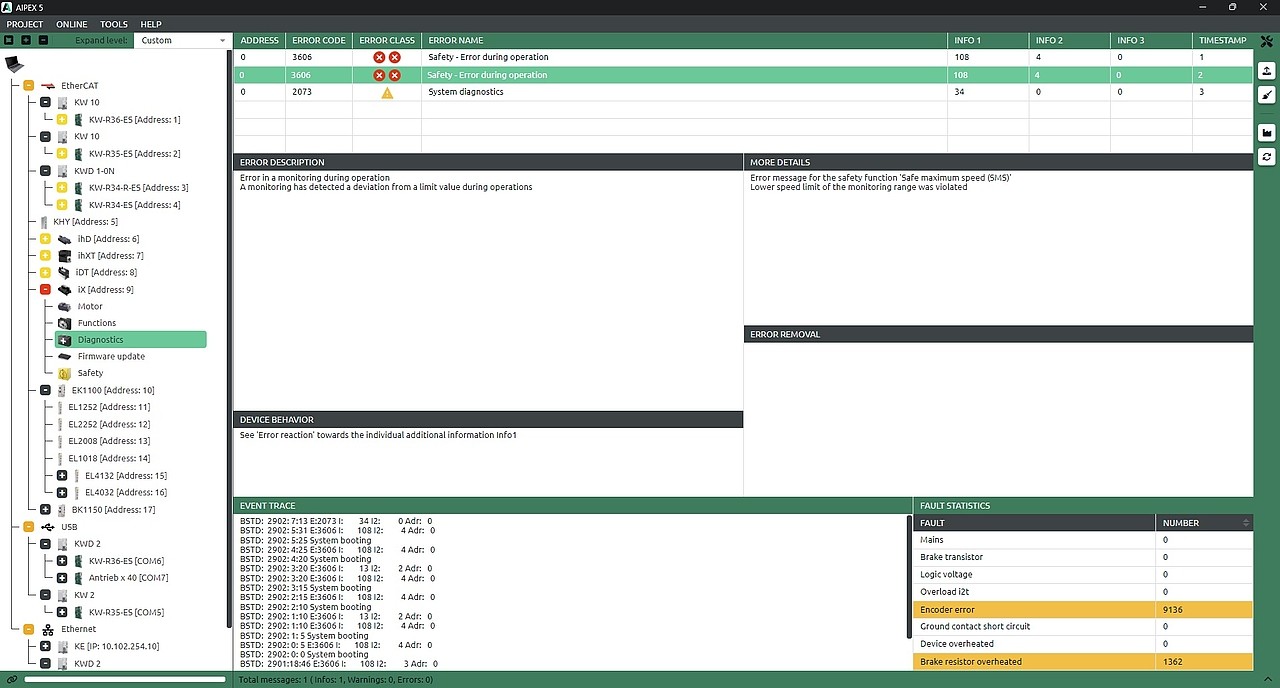
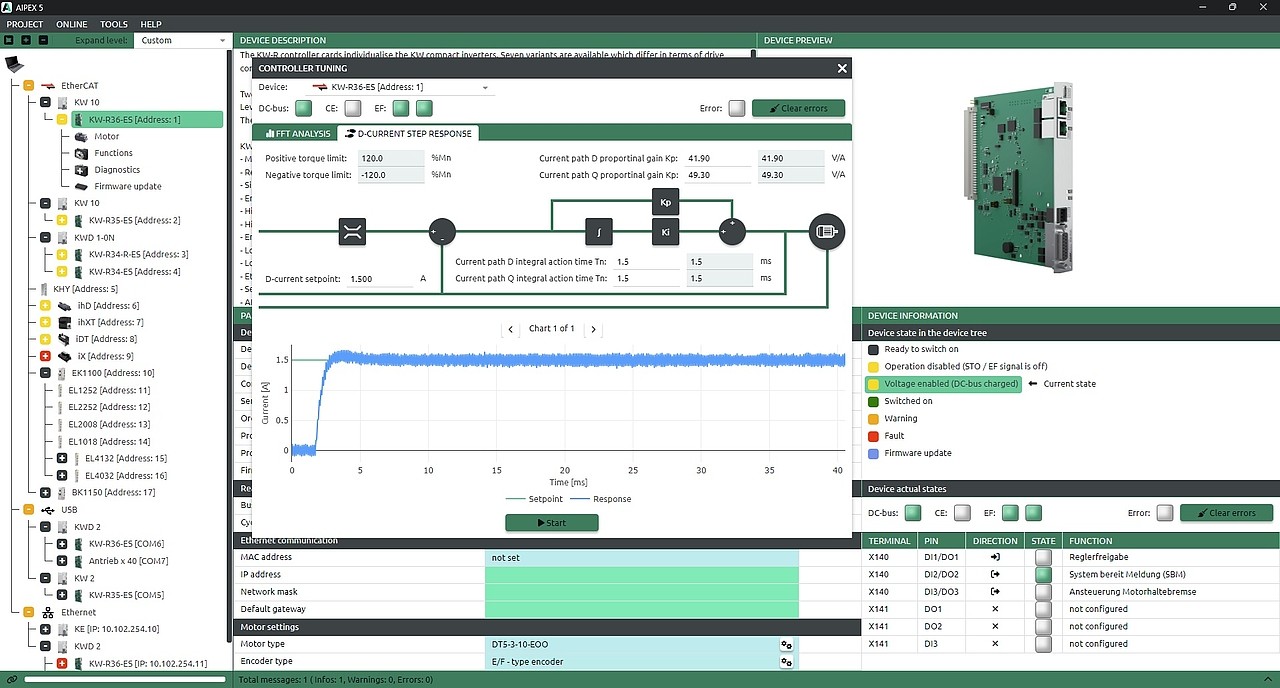
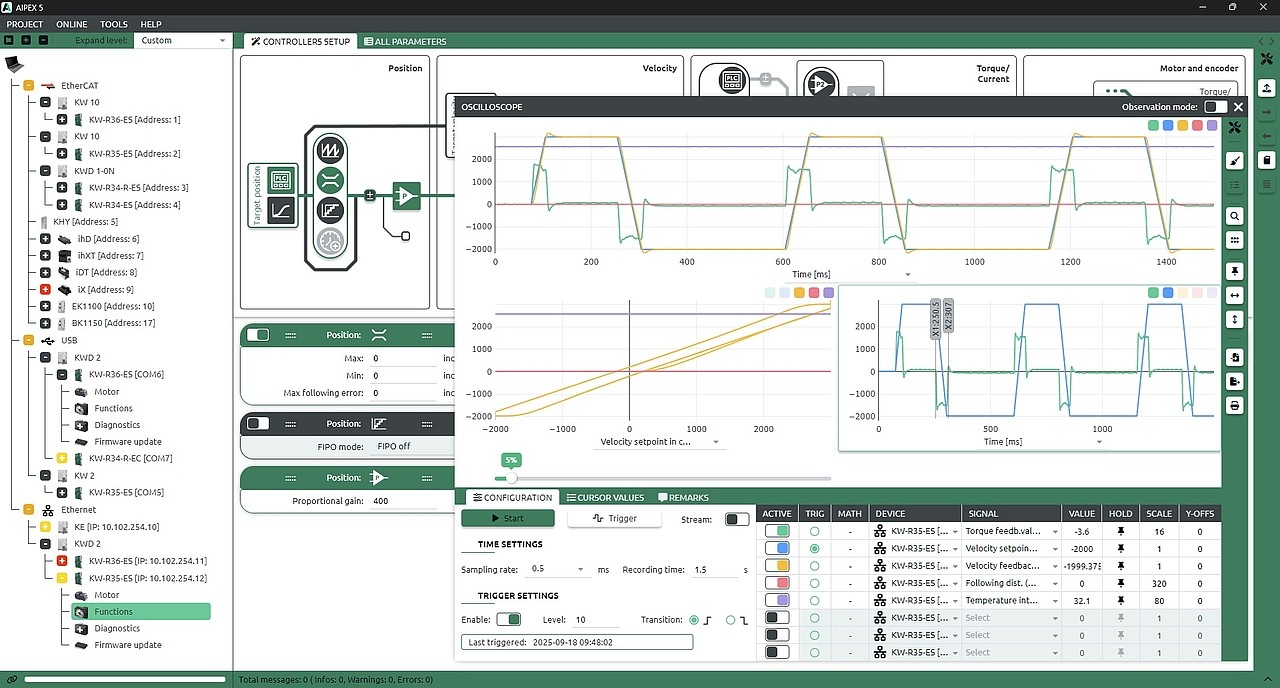


“Controllers can be configured automatically, and the entire control system is presented in a clear, intuitive visualization. Active signal paths are highlighted in color – ensuring maximum transparency and fast orientation throughout the system.”
Andreas Ochs, Service Team Leader
AIPEX 5 licenses
AIPEX 5 is the central tool for all tasks related to parameterization, use, and optimization of AMKmotion drive controllers. The software provides license-free basic functions for standard startup scenarios as well as extended functions offering additional options for fine-tuning, detailed analysis, and diagnosis.
Tip: The basic functions ensure you get off to a quick and efficient start. Licensing the extended functions is recommended for more comprehensive evaluations, automatic tuning processes, and individually configured setups – for maximum flexibility and performance of your drive systems.
Basic functions available without a license
Core basic functions for entry-level and standard startup:
Communication
Communication: USB, EtherCAT, and EoE (Ethernet over EtherCAT).
- EoE: To be configured on the controller
- EtherCAT: direct PC ↔ drive controller connection required, driver necessary
Parameterization
- Device parameterization via list view
- Read and write parameters
- Manage parameter sets (read, write, save, load)
- Device detection and project management (device tree and parameter values can be stored/loaded in projects)
- Firmware updates
- Server function for remote access
Scope (oscilloscope)
- Selected signals only: drives (position, velocity, torque) and supply (DC bus voltage, active power)
- Basic functions: X-axis = time, X-cursor only; no mathematical functions, one view per recording
- Export as data file or printout, import of scope templates
Cockpit
- Can only be used with predefined signals
- Import of cockpit templates
Test generator
- Controller enable (RF)
- Run at constant velocity in both directions
For extended functions a license is required
For professional startup, analysis, and tuning:
Scope (oscilloscope)
- Full access to all signals
- Create and save custom scope templates
- Use the complete range of functions
Cockpit
- Freely configurable with all signals
- Create your own cockpit templates
Setup wizard
- Intuitive, graphically guided parameterization
- Focus on control-relevant parameters
- Clear alternative to list view
Advanced diagnosis and optimization tools
- Third-party motor identification
- Frequency analysis and automatic controller tuning
- Various setpoint steps for control optimization
- Setpoint generators for different motion profiles
- Parameter comparison and use of individual parameter groups
- Project stores additional configuration settings
AIPEX 5
AIPEX
Here you can find all currently available software versions.
